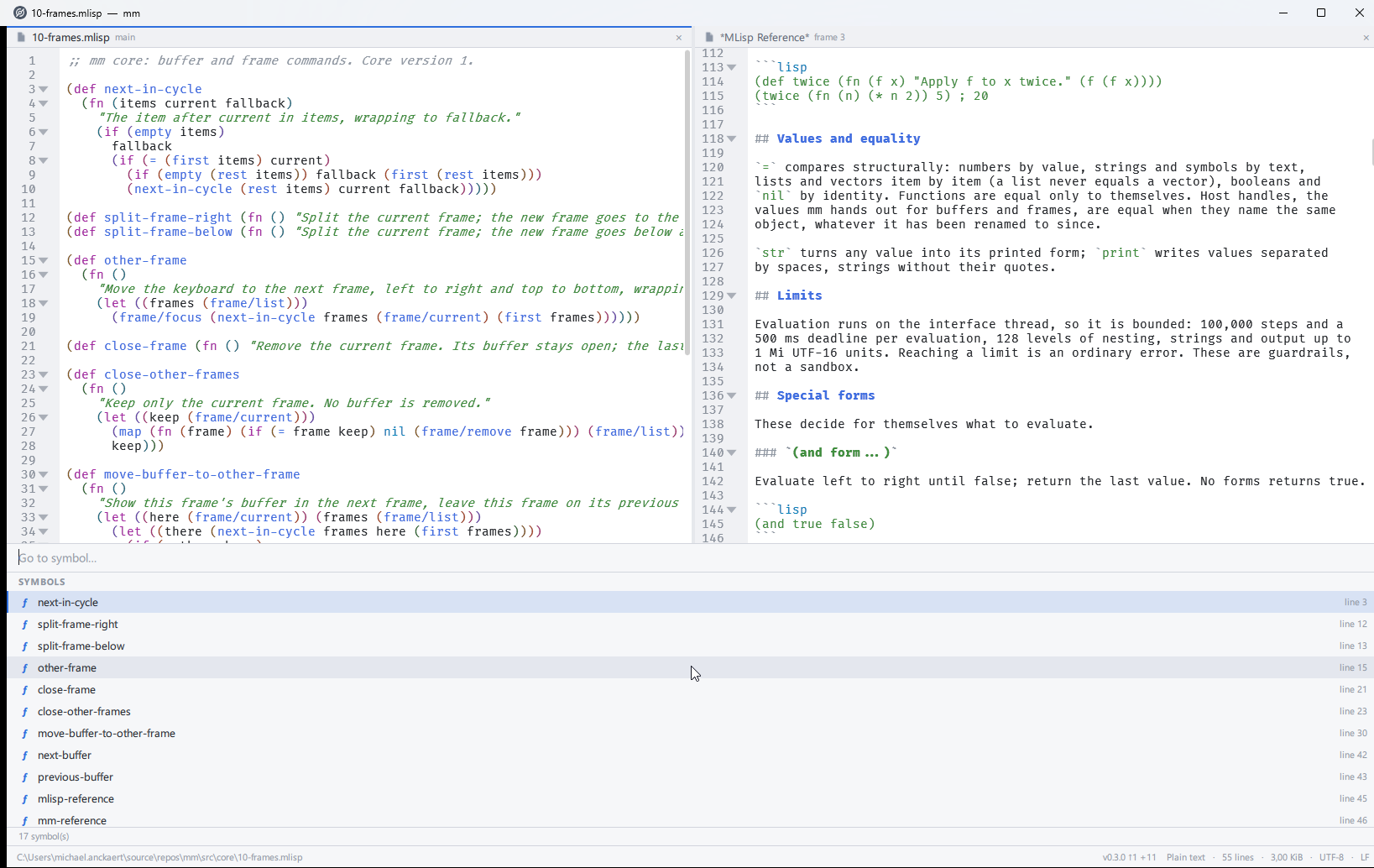
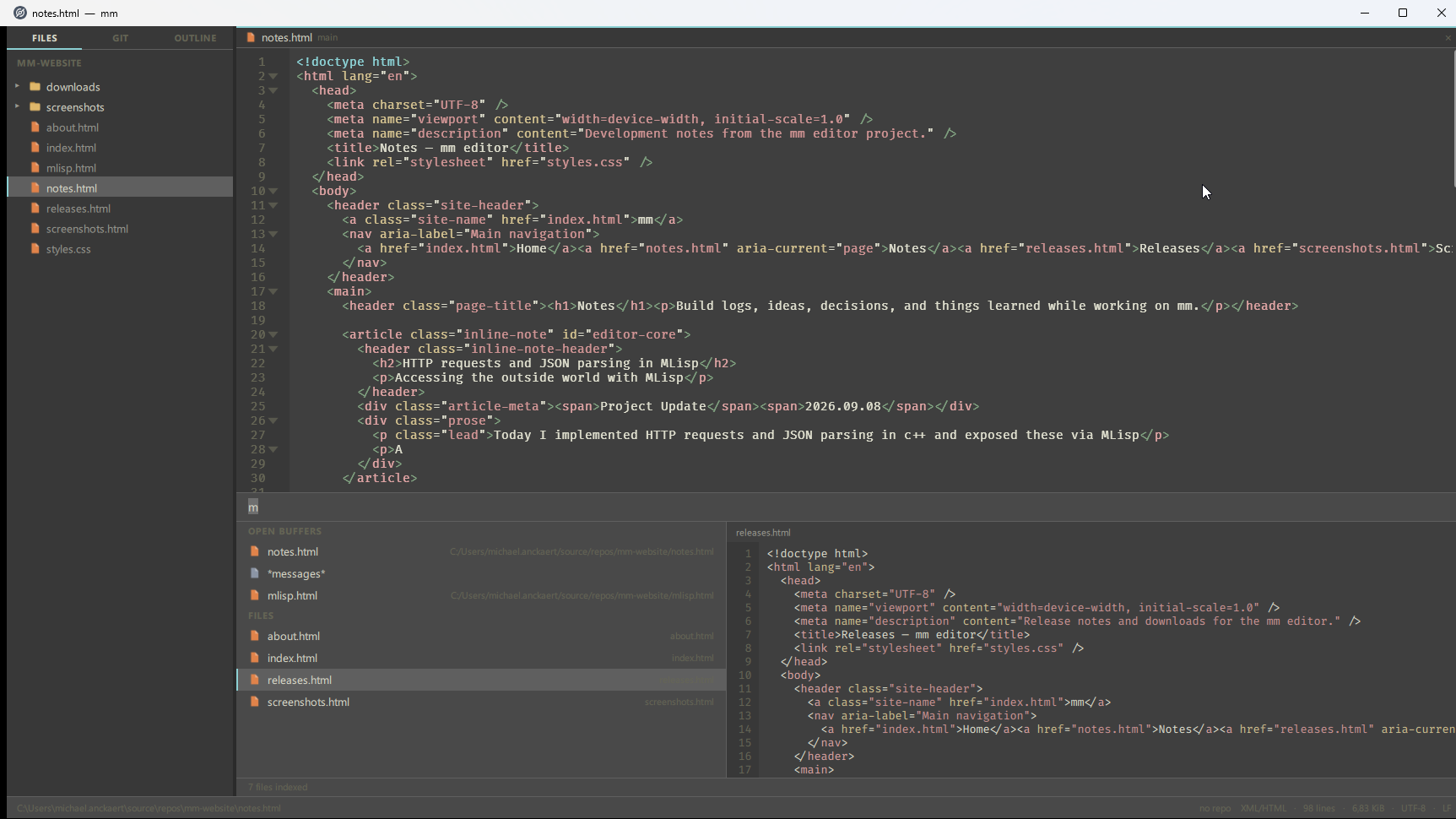
Keep the work in view.
Work across multiple buffers and arrange them in split frames. A native Qt interface provides the structure while keyboard-driven commands keep the focus on the text.
- Multiple buffers
- Split frames
- Keyboard-driven commands
A native, programmable editor
MEdit is an Emacs-inspired editor for working with text and shaping the tools around it. It combines familiar editing with code-aware navigation, integrated documentation, and a Lisp environment for adding your own commands.
Inside MEdit
The editor starts with the essentials, then opens up. Every layer is designed to support the next one.
Work across multiple buffers and arrange them in split frames. A native Qt interface provides the structure while keyboard-driven commands keep the focus on the text.
Tree-sitter powers syntax highlighting, code navigation, and document outlines. Built-in references and inline documentation keep useful context beside the code instead of behind another application.
See code tools in action →
MEdit’s programmable side is MLisp, a modern Lisp variant developed alongside the editor. Write a function, make it interactive, and bind it to the keys that fit your workflow.
Explore the MLisp language →; Create an editor command
(def uppercase-selection
(fn ()
(editor/replace-selection
(string/upper
(editor/selection-text)))))
(interactive 'uppercase-selection)
(bind-key "C-S-u"
'uppercase-selection)
One small system
MEdit is built as a native desktop application in C++ and Qt. Tree-sitter adds code awareness, Git integration connects the editor to the project, and MLisp makes the core programmable.
In active development
MEdit is a working personal tool, not a finished product competing for users. Development currently focuses on expanding the MLisp surface and refining the everyday editing experience.